



Written by Lenard
Modified & Updated: 30 Dec 2023

Reviewed by Jessica Corbett
When it comes to electronic documents, there is no other format more convenient than the Portable Document Format (PDF). Adobe developed this format in the early 1990s. PDF was once Adobe-exclusive but has since become a standard when it comes to electronic documents and other flat media. With nothing more than a reliable PDF converter at hand, you can display your PowerPoint presentations, word documents, and spreadsheets reliably across all platforms by converting them into a PDF file. Learn all there is to know about PDFs and how to use them with these PDF facts.
- Adobe, Inc. released Adobe Acrobat on June 15, 1993, which made this format available for Adobe users.
- The PDF introduced the device-independent color feature in the PDF 1.1 update.
- Adobe first submitted the PDF 1.7 for ISO standardization in 2007.
- The International Organization for Standardization (ISO) officially standardized PDFs as ISO 32000 in 2008.
- There is a current limit of 8,388,607 indirect objects in a 32-bit PDF-rendering application such as Adobe Acrobat.
- PDF stands for Portable Document Format.
- Its filename extension is .pdf.
- It displays digital documents in pages.
- PDF serves as a de facto standard for printing documents.
- The format has stayed relatively consistent since its release.
- PDFs work on many different types of hardware and software.
- PDF competed with other digital formats such as Common Ground Digital Paper, DjVu, and Envoy.
- Among the different functionalities of PDF files are printing, zooming, and scaling documents.
- PDFs can support JavaScript actions within the documents.
- PDF files can have custom display settings such as orientation, zoom, and layout which can override the default settings.
- Its original purpose was to help offices become more environmentally-friendly and paper-free.
- There isn’t an agreed-upon page limit when it comes to PDFs.
- PDFs are open for royalty-free use, which means anyone can read and create PDF files for free.
- Many printers can print directly from PDFs without external help.
- In 2016, there were 2.2 billion PDF files available on Google for public viewing.
It captures and displays flat documents without altering the format of the document.
The Portable Document Format (PDF) is a self-contained file type. This means that when you convert a file from an application (such as Microsoft Excel, Microsoft PowerPoint, or Adobe Photoshop) into a PDF. Another device can open the file even when it doesn’t have that particular application. What makes it such a reliable file format is that it displays the file exactly how it was exported. This means that a PDF displays every font, image, and other aspects of the documents without changing anything. It displays the pages exactly how you see them on your screen, regardless of the device you use to view the file.
PDF is the most popular format for electronic documents in the web.
Perhaps one of the most interesting yet unsurprising PDF facts is that the PDF is the most widely-used document format on the internet. Its accessibility, ease of use, and reliability across a wide range of platforms makes it easy for the PDF to be such a popular file type. In 2016, users of Google Drive and Mail alone saved a total of over 73 million PDF files.
In its early release, people had to pay to use PDFs.

For many years after the release of the Portable Document Format, it was a proprietary format for Adobe. Back then, you would have to buy Adobe products such as the Adobe Acrobat to use PDFs. The program that allows users to create and view PDFs, Adobe Acrobat, charged a fee of $50 for a single user. It wasn’t until ISO standardized it in 2008 that Adobe released a public patent for PDFs. This public patent made PDFs available for free use and production.
Early versions of PDFs didn’t have as many features as they have today.
One of the most important PDF facts is that its popularity today is due to the fact that PDFs have useful features coupled with their overall reliability. However, this wasn’t always the case. In addition to not being a format that’s free to use, the PDF in its early days did not have as many features to boast.
The early versions of PDF had large file sizes, which means they took up more space and took longer to download than plain text formats. Furthermore, early PDF files did not have support for hyperlinks that make them useful for the internet. Today, PDFs have much more useful features, and the file sizes are much closer to the sizes of plain text documents. Moreover, there are various tools available to compress PDF files to reduce the file size.
Adobe co-founder John Warnock and his team developed the PDF.
The development of PDFs started in the early 1990s. One of the founders of Adobe, Inc., Dr. John Warnock, announced The Camelot Project in 1991. Included in The Camelot Project was an idea for an electronic document format that allowed for reliable distribution of information across all platforms. Regardless of hardware and software, the format had to display everything found in the documents — including pictures, drawings, graphs, and text. Adobe first referred to the PDF as Interchange PostScript (IPS) in its early development. In 1992, however, they released the PDF with its current name, Portable Document Format.
The US tax authorities were among the first to widely use the PDF.
Because of the PDF’s ability to store unaltered documents, authorities often find use in this now-ubiquitous format. One of the lesser-known PDF facts is that tax authorities in the United States were among the first users to work with PDF files, along with Adobe themselves. The US tax authorities used PDF documents to disseminate tax forms.
The PDF is a popular format for eBooks.
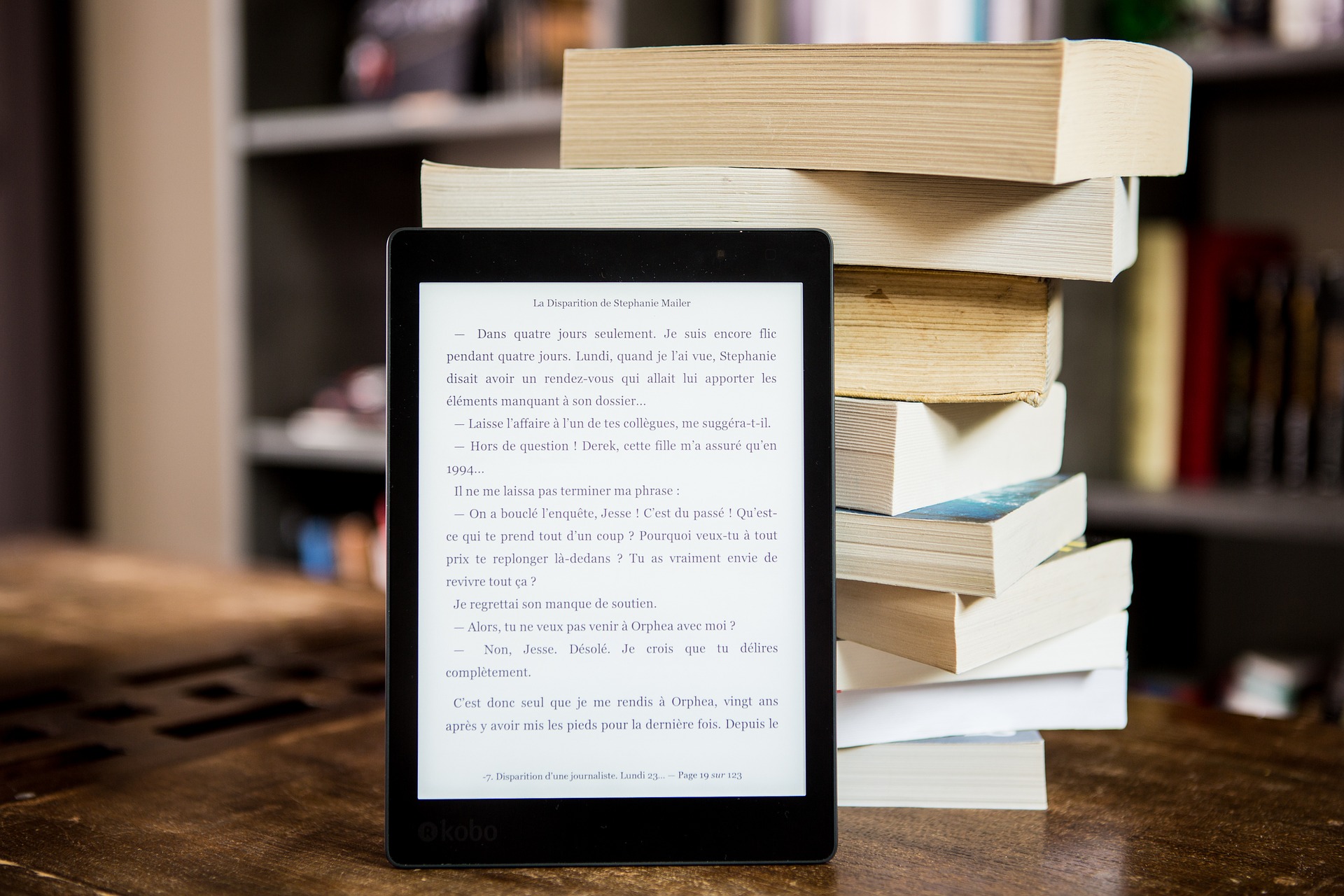
With the world rapidly shifting to digital, electronic books or eBooks are on the rise. Aside from the E-publishing (ePub) format, the PDF is another one of the most popular formats for reading eBooks. The difference between them is that ePub documents are more dynamic, interactive, and reflowable while PDF documents are more secure, reliable, and static.
You can scan paper documents and convert them into a PDF file.
Adobe Acrobat lets you scan paper documents and turn them into searchable PDF files. Some mobile apps such as Adobe Scan and CamScanner also have this functionality, letting you take pictures of paper documents and instantly convert them into PDFs.
PDFs can be made accessible to persons with disabilities.
The PDF/Universal Access or PDF/UA specification of PDFs does as its name suggests. PDF/UA allows for accessibility in PDFs, which is great for persons with disabilities. The ISO published this specification on July 15, 2012. This specification conforms to assistive technology such as screen magnifiers, joysticks, and text-to-speech screen readers. The PDFs under the PDF/UA specification also must have useful features such as alternative text descriptions for images and graphics.
You can use the search feature to find specific words or characters in text-based PDF files.
Most text-based PDF files allow you to look for specific entries such as words, phrases, or numbers through the search features in your device. For Windows, that’s CTRL+F, while for Mac, it’s Cmd+F. Image-based PDF files, however, must rely on alternative text descriptions if available.
You can embed audio and videos in PDF files.
With the PDF’s advanced technology, PDF files aren’t limited to text and graphics anymore. One of the more interesting PDF facts is that they can also have audio and video features embedded into them. Adobe Acrobat allows this through the “Rich Media” tool.
PDF files can support 3D models.
Upon the release of PDF 1.6 in 2004, PDF provided support for 3D computer graphics. With this update, users may embed Product Representation Compact (PRC) or Universal 3D files into PDFs. 3D PDF files allow users to zoom and rotate to explore 3D models. Selecting a part of the 3D model is also possible. However, support for 3D models is currently limited to some PDF viewers.
PDF files can have layers.

A PDF document can have layers which users can view and navigate. Users can also change the properties of each layer, lock them, merge them, and rearrange them. Layered PDFs are available in PDF 1.5 or higher versions.
You can password-protect PDF file contents.
This is one of the most essential PDF facts you have to know. The use of PDFs is an undeniably convenient method of sharing information electronically. Even governments and large corporations make use of PDFs, which raises the issue of information security. There are many programs that allow users to password-protect PDF files. Encryption is supported for PDF files, blocking unauthorized access to the information contained in the documents.
PDF files can be corrupted.
Although PDF documents are generally reliable, they can get corrupted sometimes like most electronic files. They may occur during saving, creating, or downloading the files. Sudden power or hard disk failures may also result in corrupted PDF files. Although you can repair PDF files using various tools, it’s best to always have backup copies for important documents.
PDFs can hold electronic signatures.
With most offices going paperless, the usage of electronic signatures or e-signatures to authenticate documents are becoming more common. The ability to put an electronic signature in PDF files came with the 4th version of Acrobat Reader, which Adobe released in the year 2000.
You can convert images to PDF files and vice versa.
Another convenient feature of PDF files is that it can be converted to a number of formats, such as image files. You can convert PDF to JPG, for example. Conveniently, you can reverse the process as well, allowing you to display your image files on other devices just how you published them.
PDFs can display HTML web pages.
One of the lesser-known PDF facts is that PDFs can display some HTML-based web pages. Since the release of PDF 1.2, PDFs have had the ability to support HTML formats within the documents. Although PDF can display static web pages, it cannot support dynamic ones.
Some programs allow you to edit the text in PDFs.
Although the ability to display documents unchanged is one of the greatest features of the Portable Document Format, a number of PDF viewers (such as web browsers) do not allow you to edit the text directly from PDFs. However, Adobe Acrobat does allow you to edit the text in text-based PDFs. Alternatively, you can also convert your PDF to Word documents and vice versa.
PDF pages can become PowerPoint slides and vice versa.
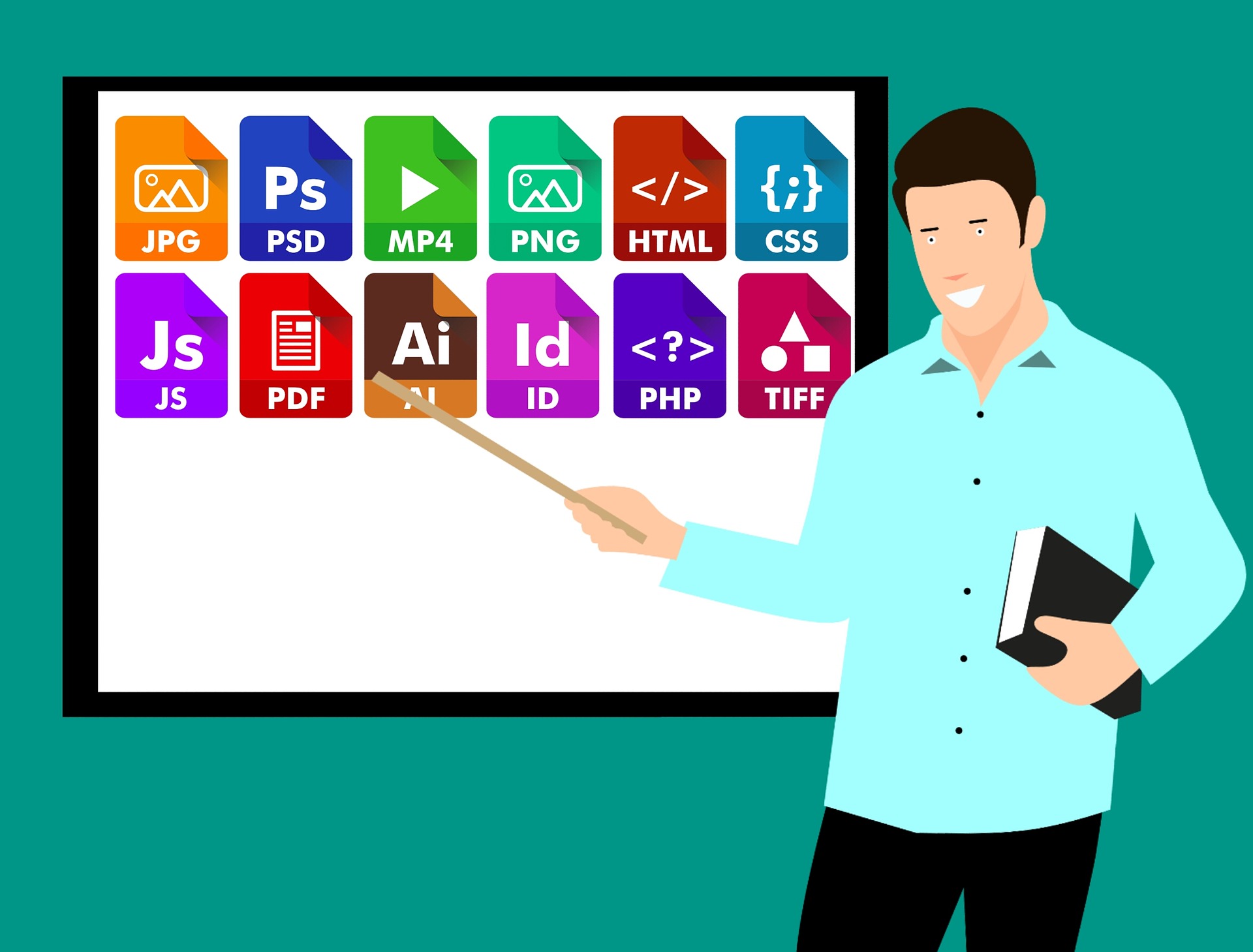
Both PDF and PowerPoint (PPT) formats have their own unique pros and cons. Because PDF focuses on static images and flat documents, some people prefer to convert PDF to PPT slides to add GIFs, animations, and transitions when presenting data. Conversely, if users want to focus on preserving the fonts, images, and layouts of the slides when presenting in different devices, they can also convert the PowerPoint documents back to PDF files.
PDF files have watermarking features.
Watermarks are valuable for protecting images and documents against unauthorized duplication and use. The Portable Document Format allows you to superimpose watermarks on your PDF files. You may adjust the position, opacity, and text of your watermarks.
PDF has support for annotations and markups.
Another great feature of PDF documents is that they allow you to make annotations, markups, and highlights on them. This allows you to make notes, emphasize certain aspects of the document, and better collaborate with others. Truly one of the most essential PDF facts you have to remember.
Some PDFs can carry computer viruses.
In 2001, users first discovered some PDF files that carried computer viruses within them. The OUTLOOK.PDFWorm or Peachy virus sent itself within PDF files using Microsoft Outlook. Adobe Acrobat users who activated the said PDF files were open to attack from the computer virus. Other PDF readers are also open to these attacks from malware because of the JavaScript support that PDF offers. Disabling JavaScript in PDF readers can help mitigate the risks of attacks in your computer.
There are many free options available for viewing PDFs.
Aside from Adobe Acrobat, there are other options you can utilize to view PDF files. Because of the popularity of PDF, most web browsers such as Mozilla Firefox, Google Chrome, Safari, and Microsoft Edge now have a built-in PDF reader that allows users to view PDFs for free. Even the now-discontinued Internet Explorer browser supported an add-on that served as PDF readers.
Tags for images, paragraphs, headings, and lists became available for PDFs through PDF 1.4.
Adobe released PDF 1.4 with Acrobat Reader 5.0 in 2001. In this update, they introduced a tag feature for images, paragraphs, headings, and lists, among other things. A tagged PDF allows for better extraction and reusing of information from a PDF. It also makes the PDF easier to read for those who require the use of assistive technology.
PDFs can contain bookmarks and functional buttons.
Another innovative technology that some PDF files have is the presence of bookmarks, hyperlinks, and other functional buttons that allow users to jump to specific pages. These functions provide convenience and accessibility to users. The buttons may redirect them to external websites as well, making the format useful on the Internet.
The first updated version of PDF, PDF 1.1, became available in 1994.
In 1994, Adobe released Acrobat Reader 2.0. Along with this, they released the first revised version of PDF, which is PDF 1.1. The PDF 1.1 update came with more useful features compared to PDF 1.0. These features included the use of passwords, smaller file sizes due to a binary format, and color that was independent of device.
Its latest version is the PDF 2.0, which Adobe released in 2017.
The latest version of the PDF is PDF 2.0. The ISO released this version in 2017, 24 years after its original release. They updated the PDF to remove all the proprietary elements of the format and enforce tighter rules to better standardize the PDF. The PDF 2.0 also has improvements in annotations, printing, digital signing, and rendering.
PDF became widely available because of Netscape Navigator’s browser support.
One of the more interesting PDF facts is that Netscape Navigator was one of the main reasons for the rise in the popularity of PDF files. Netscape Navigator was Internet Explorer’s main competitor during the browser wars, and it had some remarkable features that once made it tough to beat. A known feature of the Netscape Navigator during the boom of the Internet was its use of plug-ins.
One of the plug-ins that Netscape Navigator had was a plug-in that allowed users to view PDF files. The presence of this plug-in and the popularity of the Navigator browser made it possible for the PDF to be widely available. The graphic arts industry then began accepting the PDF as a viable format, and it later rose to become a new standard.
There are versions of PDFs specialized for archiving, engineering, and graphics exchange.
PDFs have unique specifications that cater to more specialized uses. It has specifications for archiving (PDF/A), engineering (PDF/E), and graphics exchange (PDF/X), among others. These are not separate formats of their own but are just versions of the Portable Document Format that follow more specialized rules. That’s one of the more niche PDF facts that you probably never knew about!
Was this page helpful?
Our commitment to delivering trustworthy and engaging content is at the heart of what we do. Each fact on our site is contributed by real users like you, bringing a wealth of diverse insights and information. To ensure the highest standards of accuracy and reliability, our dedicated editors meticulously review each submission. This process guarantees that the facts we share are not only fascinating but also credible. Trust in our commitment to quality and authenticity as you explore and learn with us.